The Online Safety Act has made age checks a normal part of using the internet in Britain.
Since 25 July 2025, some websites and apps have been required to use stronger checks to prevent children accessing it. These checks may involve a facial scan, banking information, credit card details, an email address, a mobile account or photo identification. Ofcom itself advises people to use caution when handing over personal information.
That raises a wider question: how much do people understand about the information they already expose simply by opening a website?
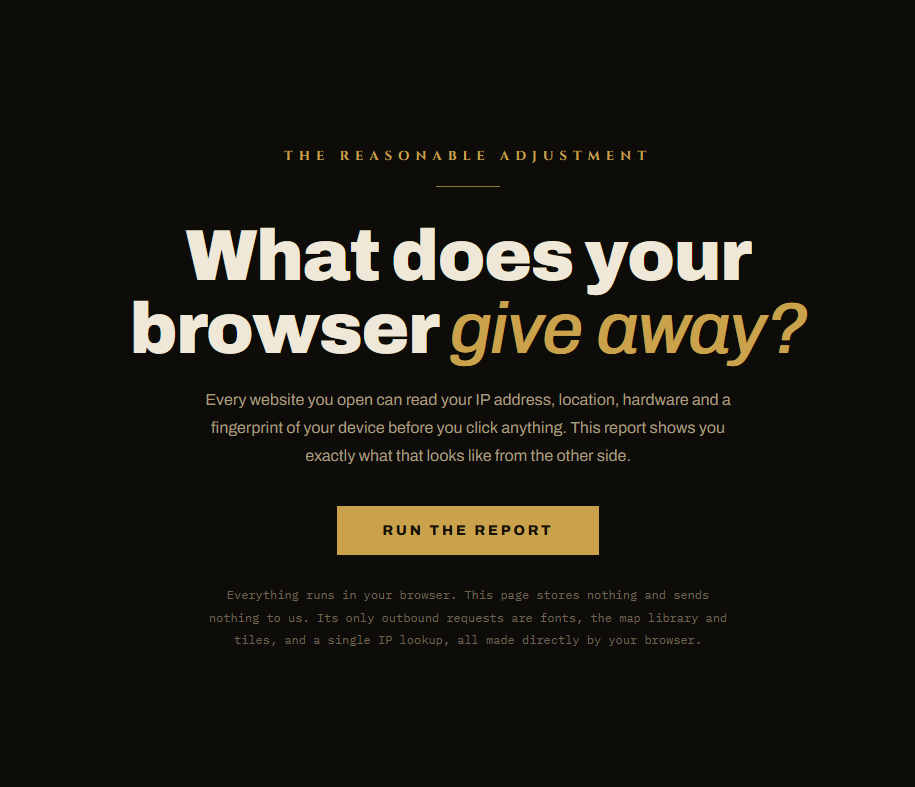
We created the Digital Exposure Report in response to the Online Safety Act to help ordinary people find out.
Run the Digital Exposure Report
The tool shows what a website may be able to learn before you fill in a form, upload identification or click an age-check button.
It checks your IP address, internet provider and approximate location. It also shows details reported by your browser, including your screen, operating system, timezone, language, processor and graphics hardware.
It then demonstrates how these details can be combined into a browser fingerprint, which may help websites recognise the same device even after cookies have been cleared.
The report also checks whether your signals match. A VPN may change the country connected to your IP address while your timezone and language continue to point somewhere else.
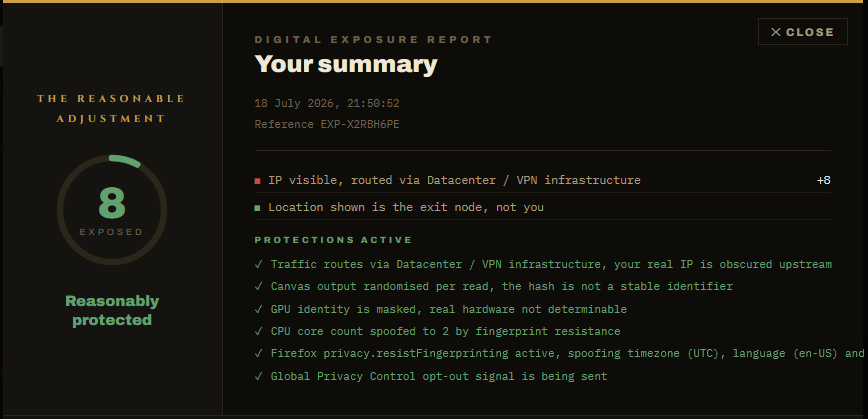
None of this means that every website knows your name or exact address. It does show how much information can be gathered quietly, often without any permission box appearing.
The report is generated on your device. The Reasonable Adjustment doesn’t receive or store the results it displays, although your browser makes limited outside requests for the IP lookup, map and fonts.
Protecting children online and protecting everyone’s privacy shouldn’t be treated as opposing goals. People being asked to prove their age should understand what information they are handing over, who receives it and what their browser was already revealing.
Run the report in your usual browser, then try it again using a private window, VPN, Brave or Tor.
See what your browser gives away
More from The Reasonable Adjustment
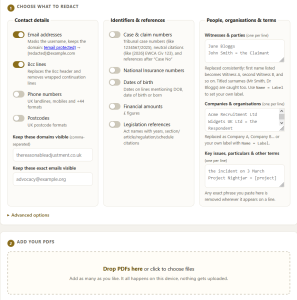
- ReasonableRedactor v2: Remove Personal Details From PDFs
Redact names, contact details, case numbers and other sensitive information locally in your browser. - Shadowsocks, the Great Firewall and the UK’s VPN Panic
Why privacy tools shouldn’t be treated as suspicious simply because they can bypass online restrictions. - LitiQuiz: Free Equality Act and Employment Tribunal Practice Questions
Test your knowledge of disability discrimination law, reasonable adjustments and tribunal procedure.


Be First to Comment