By Kieron JH, Founder, The Reasonable Adjustment
There are loads of PDF redaction tools available. Some are great for a one-off manual job. Many are expensive. A lot push you toward Adobe Acrobat or a paid suite, which is fine if you redact a couple of documents a year.
The gap shows up the moment you publish evidence regularly. FOI correspondence, safeguarding timelines, SAR packs, complaint threads, regulator back-and-forth. You don’t have one PDF. You have batches. You need something that can run the same redaction logic across dozens of PDFs, consistently, without turning it into a subscription.
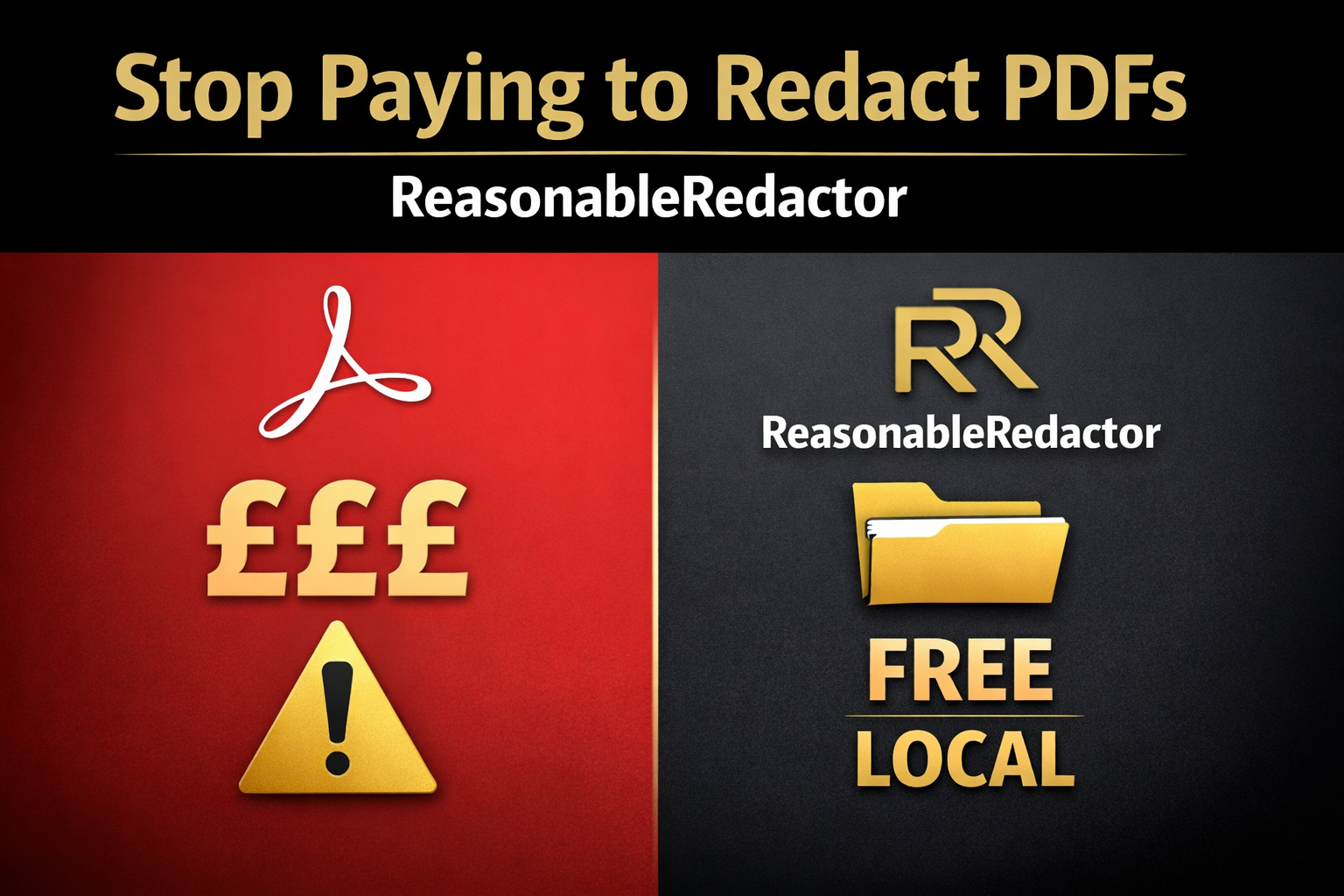
ReasonableRedactor fills that gap. It’s a free local tool designed for large-scale redactions you can do yourself, without Adobe Acrobat, and without uploading sensitive documents to a third party website.
What ReasonableRedactor does
1) Automatically redacts Bcc
Bcc fields are one of the easiest ways to accidentally leak personal data, especially in exported email PDFs where Bcc can wrap across multiple lines. ReasonableRedactor replaces the Bcc line with a neutral placeholder and removes any wrapped continuation lines.
Output example (placeholder addresses):
Bcc: [redacted]2) Masks email usernames, keeps domains
Domains matter. They show which organisation an address belongs to, without exposing a specific person’s inbox. So the tool masks only the username portion and keeps the domain visible.
Output examples (placeholders):
[email protected]        -> [redacted]@example.org
[email protected]     -> [redacted]@council.gov.uk
[email protected]  -> [redacted]@somecompany.com
3) Clean output that stays readable
Most redaction workflows either miss stuff or destroy the document layout. ReasonableRedactor aims for publishable output. It can run in a clean mode that blends into the page, or a blackout mode if you prefer visible blocks.
4) Runs locally, no uploads
This tool runs on your machine. Your PDFs stay on your machine. There’s no account, no cloud processing, no “upload your evidence here” moment that you later regret.
Why this matters
Redaction is not a visual effect. If the underlying text can still be extracted, it’s not redaction, it’s theatre. If you publish documents in the public interest, you want a workflow that’s boring, repeatable, and hard to mess up. That’s what this tool is for.
Who this is for
- FOI work, casefiles, complaint timelines, and evidence packs
- Safeguarding documentation and multi-document logs
- Journalism and research where you publish primary documents
- Any situation where you need batch redaction without paying for a suite
Get ReasonableRedactor
ReasonableRedactor is open source and free.
Download and view the ReasonableRedactor repository on GitHub
How to use it (simple)
1) Download the repository from GitHub.
2) Put the PDFs you want to redact into the in folder.
3) On Windows, run RUN.bat.
4) Collect the redacted PDFs from the out folder.
If RUN.bat doesn’t work
Some Windows setups block batch files or flash a window and close. You can run it manually instead, this also keeps the window open so you can see any errors.
cd /d "C:\Path\To\ReasonableRedactor"
py -m pip install -r requirements.txt
py src\reasonableredactor.py
If double clicking the Python file opens a text editor or does nothing, use the Command Prompt method above.
It also saves your settings, so once you choose your preferred mode and allowlists, you don’t have to reconfigure every run. Output filenames are timestamped to avoid “same name, different file” headaches when publishing.
Related tools on Ki-Ki.co.uk
If you publish documents, you may end up maintaining a site alongside them. These two free Ki-Ki tools cover the boring jobs that people avoid until they bite them.
Nav and footer generator (static sites)
Generate nav.html and footer.html partials from a folder import or a pasted file list, so you stop duplicating markup across dozens of pages.
Use the Ki-Ki nav and footer generator
Sitemap and robots generator (static sites and migrations)
Generate sitemap.xml and robots.txt from a folder, a file list, or pasted URL paths. No crawling, no installs, just clean SEO hygiene.
Use the Ki-Ki sitemap and robots generator
FAQ
Is it actually safe?
It runs locally and writes new PDFs to an output folder. Nothing is uploaded by the tool. If you want maximum safety, keep the workflow simple: run it, spot check a couple of pages, then publish the redacted outputs.
Why not just use Acrobat?
Acrobat can work, but it’s not free and it’s not designed around batch workflows by default. If you’re doing ongoing publishing, the cost and friction add up quickly. ReasonableRedactor exists so “basic redaction hygiene” doesn’t become a monthly bill.
Can it redact everything in any PDF?
It’s designed around a specific high-risk area: email headers, especially Bcc, and email addresses in text. If a PDF contains text as an image, text-based masking might not catch it. That’s a limitation of the format, not your morals.
© 2026 Kieron JH, The Reasonable Adjustment. ReasonableRedactor is provided as is, without warranty.





Be First to Comment